
What is Maintaining Your Website: A Year-Round Maintenance Checklist?
Short answer
Maintaining your website means running ongoing technical, security, and content tasks to protect performance and visibility. Operating a secure site requires following the 3-2-1 backup rule by keeping 3 copies of important files across 2 different media types, with 1 stored offsite. A year-round schedule pairs frequent data snapshots with quarterly technical audits, schema validation, and software updates to keep search crawlers parsing your details accurately.
Source: Vecino Solutions, https://vecinosolutions.com/blog/what-is-maintaining-your-website-a-year-round-maintenance-checklist

A business website is not a finished project you launch and walk away from. Over time, code gets outdated, broken links pile up, and search engines change how they read your pages. Treating your site like a living system keeps it safe from technical bugs and ready for modern search crawlers.
- Weekly snapshots
- Monthly software patches
- Quarterly technical SEO
- Annual strategic review
Structuring a Year-Round Website Maintenance Schedule#
A dependable schedule splits recurring tasks across cadence intervals. So critical jobs get done before problems break your site. Weekly passes capture database changes, while monthly routines handle code updates. Quarterly and annual milestones tackle deep site audits and technical cleanups.
Conducting Quarterly Technical, SEO, and Presence Audits#
Over time, small website changes can break key crawl paths or leave customer information out of date. Catching these problems early stops them from hurting your local visibility.
When conducting these audits, focus on four key areas:
- Crawl health and status codes. Inspect your XML sitemap and server logs to verify search engines reach every important URL. Watch for 404 broken page errors or redirect loops using HTTP status codes. Confirm your directives under the Robots Exclusion Protocol allow search engines to crawl public pages without blocking needed assets.
- Local listings and entity details. Check your Google Business Profile to ensure business hours, telephone numbers, and service areas match your main contact page exactly. In markets like South Florida, verify your contact details stay consistent across both English and Spanish landing pages.
- On-page elements and Core Web Vitals. Review page title tags, meta descriptions, and header structure. Inspect performance metrics like Interaction to Next Paint to check that buttons and menus respond fast when tapped on mobile screens.
- Backlink profiles. Look for toxic incoming links or broken incoming paths that send customers to dead pages. Fix any lost equity with clean 301 redirects.
Validating Structured Data and Entity Schema#
Validating structured data requires using tools like the Rich Results Test and Schema Markup Validator to parse JSON-LD and Microdata formats (developers.google.com; nuxtseo.com). Structured code gives search engines and AI answer engines unambiguous facts about your business, including your location, offerings, and operating hours. Testing this markup regularly ensures search engines pull accurate data into rich snippets and generative answers.
Google recommends that you start structured data testing with the Rich Results Test to see which rich results your page can generate (developers.google.com). For broader code inspection, use the Schema Markup Validator to test all Schema.org markup types without Google-specific feature rules.
Testing tools inspect code syntax to catch common formatting errors before search systems drop rich results. Nuxt SEO identifies common schema problems, including missing @type declarations, missing properties, invalid dates that fail to use ISO 8601 formatting, and relative URLs where complete URLs are required (nuxtseo.com). For example, marking an event date as "next Friday" causes parse errors, whereas writing 2026-05-15 follows the strict ISO 8601 standard. Complete URLs like https://example.com/logo.png must replace relative paths like /logo.png to validate properly.
Establishing Website Backup and Recovery Protocols#
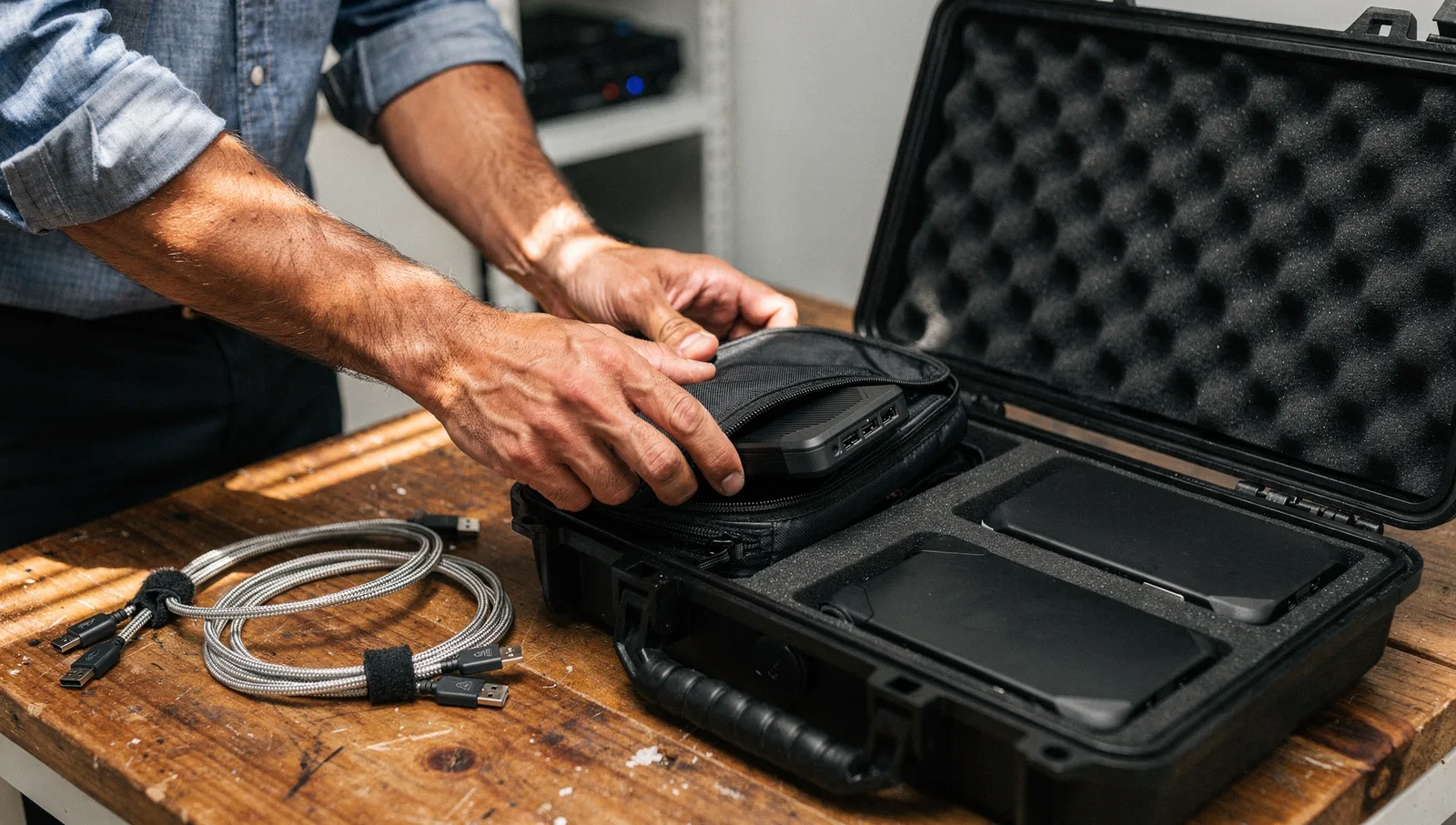
Website backup and recovery protocols protect your digital assets by establishing redundant data storage, routine file verification, and clear recovery targets. Digital failures happen from server crashes, failed plugin updates, or accidental deletions. A formal protocol ensures you can restore site operations quickly without losing critical business data.
The foundation of secure data storage rests on the standard 3-2-1 backup framework. Under this rule, you must keep 3 copies of any important file, meaning 1 primary working version and 2 backups (cisa.gov; nccoe.nist.gov). You must store these files on 2 different media types to safeguard against distinct hazards. Finally. You must store at least 1 copy offsite, away from your primary business facility.
| Backup Element | Standard Guideline | Operating Purpose |
|---|---|---|
| File Redundancy | 3 total copies (1 primary, 2 backups) (nccoe.nist.gov) | Eliminates single points of file failure |
| Storage Media | 2 distinct media types (nccoe.nist.gov) | Protects against specific hardware corruption |
| Storage Location | At least 1 copy offsite (cisa.gov) | Guards against local site disasters |
| Verification | Regular test restorations (ncsc.gov.uk) | Confirms backup archives work properly |
Storing files across separate systems prevents a single hardware fault from destroying all versions. For instance, you might keep your primary website on your hosting server, a second copy on a local hard drive, and a third copy inside a secure cloud vault (cisa.gov).
Creating archives is only half the battle. According to the National Cyber Security Centre, backups should not only be created regularly but also tested regularly to check they work as expected (ncsc.gov.uk). A corrupted archive cannot help you during an emergency.
Two operational metrics guide your restoration plan:
- Recovery Time Objective (RTO). The RTO is the established timeframe required to restore files and applications to minimize negative operational impacts (nccoe.nist.gov). If your storefront goes down, your RTO defines your targeted window for completing full recovery.
- Recovery Point Objective (RPO). The RPO designates the acceptable maximum age of backup files to reestablish business operations with minimal disruption. A high-volume online store might require an RPO of 15 minutes, while a brochure website might require an RPO of 24 hours (cisa.gov).
Managing Routine CMS Security, Software Updates, and Performance Hygiene#
Routine website hygiene covers software patches, form validation, malware checks, and server cleaning to prevent slow loading and system errors. Content management systems rely on dynamic databases and third-party code libraries that demand ongoing oversight. Neglecting these details slows down browsing and exposes your system to malware.
Start by updating your core CMS platform, active themes, and plugins every week. Unpatched software lets common exploits into your site database. Before running updates, confirm your latest system backup is secure so you can revert if an update conflicts with existing code. Remove inactive plugins and legacy themes completely rather than just turning them off.
Next, test your interactive elements. Run a weekly submission check through every contact form, appointment scheduler, and checkout path. A broken form breaks lead generation without throwing an obvious server error. Track incoming calls, WhatsApp messages, and form submissions to confirm inquiries connect directly to paying work.
Performance tuning also requires regular database cleaning:
- Purge post revisions, spam comments, and expired transients from your database.
- Clean up unused image files and scale down high-resolution uploads.
- Clear server-side cache layers and test your delivery speed across mobile devices.
- Review your robots.txt file to govern AI crawler and bot access, ensuring automated crawlers do not drain server resources or index staging areas.
Once broken forms, slow mobile pages, or unverified Google Business Profile edits begin costing you live customer inquiries, that is the point to bring in SEO and AI Search help.
Comparing Professional Maintenance Services and Internal Upkeep#

Choosing between hiring an external developer and handling maintenance tasks in-house depends on your technical skills, available time, and budget. Simple site edits seem easy on paper, but complex troubleshooting requires specialized knowledge. Weighing internal overhead against professional support helps you make a practical decision.
Managing maintenance internally saves direct contractor fees. A business owner can update plugins and check basic pages without outside help. However, internal teams often lack experience with deep code errors, schema syntax fixes, and server migrations. When an update breaks a checkout script or corrupts a database, troubleshooting pulls focus away from core operations.
Hiring professional technical support provides consistent coverage and faster troubleshooting. You also avoid spending internal payroll hours untangling technical issues.
To determine the right route for your business, ask these questions:
- Can your team restore a corrupted site from an offsite backup within your target recovery time?
- Do you have the tools to validate structured data and monitor your crawl errors monthly?
- Is your internal staff trained to spot malicious code injections and database bloat?
- Would your payroll hours deliver a better return if redirected into serving active customers?
If you decide to keep maintenance in-house, start with a simple diagnostic check. Review your Google Business Profile, test your contact forms, and verify that your latest offsite backup archive is functional. Vecino Solutions works with local service businesses across Miami-Dade and South Florida to keep digital systems running cleanly. Start by inspecting your site fundamentals this week to ensure your business stays secure and accessible to your local customers.
| Tool or Error Category | Primary Scope or Requirement | Key Implementation Rule |
|---|---|---|
| Rich Results Test | Google search feature eligibility | Google-recommended starting point to see which rich results a page generates |
| Schema Markup Validator | Broad Schema.org syntax validation | Validates all Schema.org markup types without Google-specific feature warnings |
| Missing @type | Schema node declaration | Every node must explicitly name its Schema.org type |
| Invalid Dates | Temporal attribute formatting | Must follow ISO 8601 standard dates or full timestamps rather than relative text |
| Relative URLs | Resource referencing | Must use complete URLs for attributes such as url, image, and sameAs |
| Metric | Operational Definition | Core Impact Factor |
|---|---|---|
| Recovery Time Objective (RTO) | Established timeframe required to restore files and applications to minimize negative impacts | Bandwidth limits, offsite transfer constraints, and hardware file transfer capabilities |
| Recovery Point Objective (RPO) | Acceptable maximum age of backup files to reestablish business operations with minimal disruption | Acceptable data loss threshold based on business process and file type |
In-House vs. Outsourced Website Maintenance Cost Calculator
Compares the annual cost of managing routine website maintenance in-house versus outsourcing to a professional retainer service.
Annual In-House Labor Cost:
Annual In-House vs Outsourced Difference (Positive = Outsourcing Saves):
Frequently Asked Questions
What is the 3-2-1 backup rule for website maintenance?
Follow the 3-2-1 rule: keep three copies of important files across two different media types, and store at least one copy offsite outside your primary business facility to guard against localized hazards.
What is the difference between RTO and RPO?
A recovery time objective, or RTO, is the established timeframe required to restore files and applications to minimize operational downtime. In contrast, a recovery point objective, or RPO, sets the maximum acceptable age of backup files.
Which tools should be used to test website schema markup?
Start with Google's Rich Results Test to check eligibility for search-specific rich results. For broader vocabulary validation across all Schema.org markup without Google-specific rules, use the generic Schema Markup Validator.
How often should a website undergo an SEO audit?
Conduct audits quarterly to address accumulating issues across four key areas: technical SEO, on-page elements, backlink profiles, and local business listings. Combine these quarterly checkups with daily performance monitoring and monthly trend reporting.
Sources
- Schema Markup Testing Tool | Google Search Central | Google for Developers - developers.google.com
- PROTECTING DATA FROM RANSOMWARE AND OTHER ... - nccoe.nist.gov
- Data Backup Options - cisa.gov
- Offline backups in an online world | National Cyber Security Centre - ncsc.gov.uk
- Your Year-Round SEO Maintenance Checklist | DigitrendZ - digitrendz.blog
- Schema Markup Validator · JSON-LD & Microdata · Nuxt SEO - nuxtseo.com